
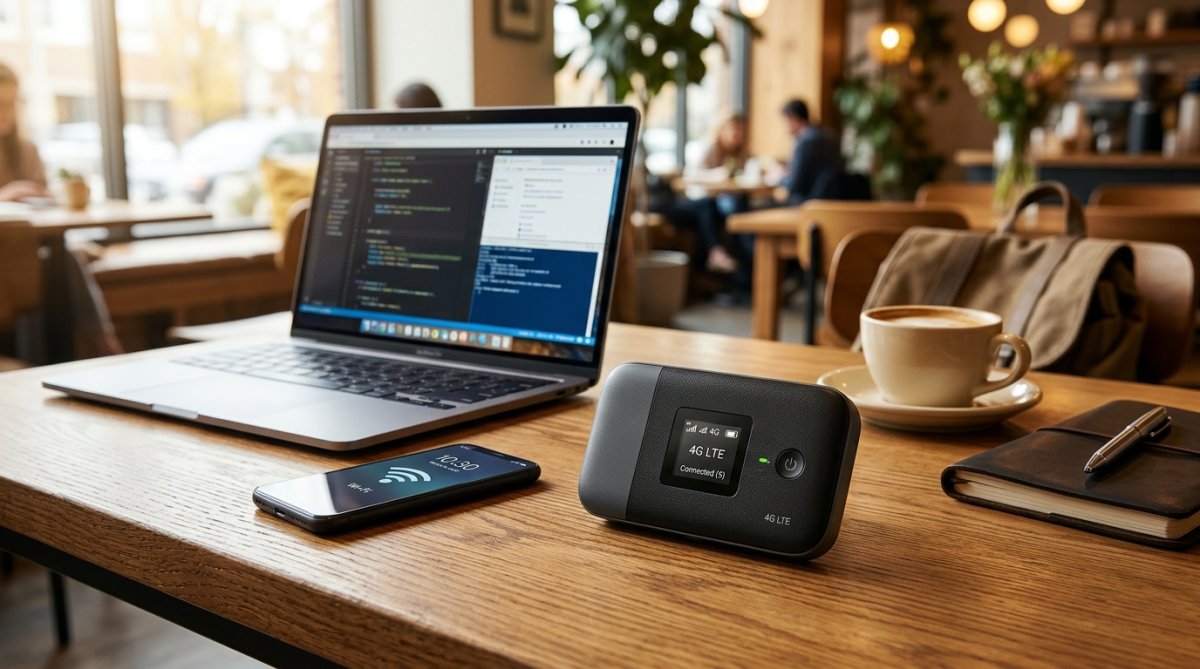
Finding the best pocket router in BD depends on your daily mobility, required battery runtime, and local cellular network reception. Mobile phone hotspots drain smartphone batteries rapidly and overheat during prolonged use. Dedicated pocket routers solve this dilemma by converting cellular 4G LTE SIM data into a standalone, portable Wi-Fi hotspot capable of connecting laptops, tablets, and multiple phones simultaneously.
Whether dealing with frequent load-shedding in suburban areas or working remotely on cross-country road trips, having a dependable mobile hotspot keeps your work running smoothly. Alflip features a broad collection of portable Wi-Fi devices. In this guide, we analyze four standout models: the powerhouse OLAX M200 10500mAh Pocket Router, the network-reliable Mercusys MT110 4G LTE Pocket Router, the ultra-slim OLAX MF985 Sim Supported Pocket Router, and the budget-focused Jio MF880s LTE Pocket Router.
Quick Comparison: Top Pocket Routers Available on Alflip
Review the comparative specifications below to identify which portable router matches your runtime requirements and device connection limits.
| Model | Battery Capacity | Network Standard | Device Limit | Key Strength |
|---|---|---|---|---|
| OLAX M200 | 10500mAh | 4G LTE / 5G Ready | 10+ Devices | Built-in power bank & all-day battery |
| Mercusys MT110 | 2200mAh | 4G LTE FDD/TDD | 10 Devices | TP-Link ecosystem network stability |
| OLAX MF985 | 2000mAh | 4G LTE High-Speed | 10 Devices | Lightweight 150g pocket portability |
| Jio MF880s | 2500mAh | LTE Advanced 150Mbps | 10 Devices | Affordable everyday backup hotspot |
1. OLAX M200 (10500mAh): The Ultimate Powerhouse for Power Cuts and Travel
OLAX developed the M200 specifically for power users who refuse to run out of charge during extensive workdays. In a country where unexpected power cuts disrupt home broadband routers, having a Wi-Fi unit backed by an immense battery provides genuine reassurance.
Massive Battery and Power Bank Capability
The defining highlight is its 10500mAh battery capacity. While standard pocket routers last four to eight hours, the M200 operates continuously for over 24 hours on a single full charge. In addition, it integrates an external USB charging port, allowing you to use it as a power bank to top up your smartphone during emergencies.
Who Should Choose the OLAX M200?
This model is built for digital nomads, remote developers, field researchers, and professionals who attend prolonged video conferences from transit points, hotels, or rural areas. The robust chassis handles rugged transport in backpacks effortlessly.
Who should choose something else: Because of the large internal battery, the M200 is heavier than standard mini routers. If you want something as light as a business card holder to slip inside a shirt pocket, consider a lighter alternative like the MF985.
2. Mercusys MT110: Engineered for Signal Stability
Built under the TP-Link networking family, Mercusys brings proven firmware stability and strong radio engineering to portable broadband with the MT110.
Reliable 4G LTE Performance Across All Operators
The MT110 incorporates wide-band LTE FDD/TDD support (800/900/1800/2100/2600MHz). This broad spectrum coverage ensures optimal compatibility with SIM cards from Grameenphone, Robi, Banglalink, and Teletalk. Simply insert your micro-SIM card, power on the device, and connect up to 10 connected devices simultaneously without manual configuration.
Compact Daily Commute Companion
Weighing only 250 grams with rounded corners, the MT110 fits comfortably inside laptop sleeves or jacket pockets. Its 2200mAh battery delivers approximately eight to ten hours of regular browsing, making it suitable for students attending university classes or professionals commuting across Dhaka traffic.
3. OLAX MF985: Featherweight and Simple to Operate
For buyers prioritizing lightweight convenience without excessive bulk, the OLAX MF985 stands out as a practical, easy-to-use option.
Pocket-Sized Form Factor
Weighing approximately 150 grams, the MF985 is compact enough to carry without noticing the extra weight. It provides quick LED status indicators on the front panel that clearly display remaining battery life, Wi-Fi activity, and incoming cellular signal strength at a glance.
Smooth Everyday Streaming and Work
Equipped with a 2000mAh battery, it supplies steady 4G LTE speeds for everyday tasks such as WhatsApp calls, YouTube playback, and email management. The device manages thermal dissipation efficiently, preventing hot plastic buildup during warm summer afternoons.
4. Jio MF880s: Affordable LTE Hotspot for Budget-Conscious Users
From Jio, the MF880s focuses on delivering essential 4G LTE wireless hotspot functionality at an accessible price point.
Fast 150Mbps Speeds and Solid 2500mAh Battery
The MF880s provides maximum LTE wireless download speeds of up to 150 Mbps, allowing quick downloads of documents, video streaming, and responsive web browsing. The 2500mAh removable cell recharges completely in roughly three hours, supplying steady operational time throughout an afternoon work shift.
Plug-and-Play Simplicity
Configuration requires minimal effort. Inserting an active data SIM immediately turns the router into a local Wi-Fi hotspot. It supports up to 10 connected devices, including laptops, smartphones, smart TVs, and tablets, making it an excellent emergency backup connection for home apartments.
How to Pick the Right Pocket Router for Your Daily Needs
Before ordering your portable Wi-Fi unit, consider these three essential factors:
- Battery Runtime vs. Portability: If your priority is maximum battery endurance during load-shedding or multi-day journeys, select the 10500mAh OLAX M200. If you prefer a featherweight device for brief commutes, a 2000mAh to 2500mAh unit like the MT110 or MF880s fits nicely.
- Local Cellular Operator Reception: Check which network provider offers the fastest 4G coverage in your regular residential or office area before purchasing your data SIM. All four models support open micro-SIM cards across major Bangladeshi telecoms.
- Simultaneous Device Capacity: Standard portable hotspots support up to 10 client devices. Ensure this capacity matches the number of devices you intend to link simultaneously, such as your laptop, secondary phone, and family gadgets.
Why Buy Your Pocket Routers from Alflip?
Alflip supplies authentic networking hardware sourced with official brand warranty protection. Detailed warranty information and clear refund terms are listed on each product page, ensuring transparency before placing an order.
Alflip delivers across Bangladesh, offering convenient home delivery inside Dhaka and to all outer districts and upazilas. Every parcel includes real-time digital parcel tracking so you can monitor transit progress directly online. Check the live product listings on Alflip to review current stock status, available package discounts, and updated warranty details.
Frequently Asked Questions about Pocket Routers in Bangladesh
Q: Can I use any Bangladeshi SIM card in these pocket routers?
A: Yes. The models featured above support all major mobile operators and work with 4G LTE data SIM cards from Grameenphone, Robi, Airtel, Banglalink, and Teletalk.
Q: Can a pocket router replace a home broadband Wi-Fi connection?
A: For general browsing, office work, social media, and video calls, a 4G pocket router serves as a viable alternative or an effective emergency backup during fiber optic cable cuts or load-shedding.
Q: Does using multiple devices slow down the internet speed?
A: The total cellular bandwidth is shared across all connected devices. Light browsing on several phones has minimal impact, but heavy downloading on one device can reduce speed for others.
Q: Can I keep the pocket router plugged into a charger while using it?
A: Yes. You can run the router plugged into a wall charger or laptop USB port. For models with removable batteries, ensure adequate air ventilation around the router to maintain optimal battery health.